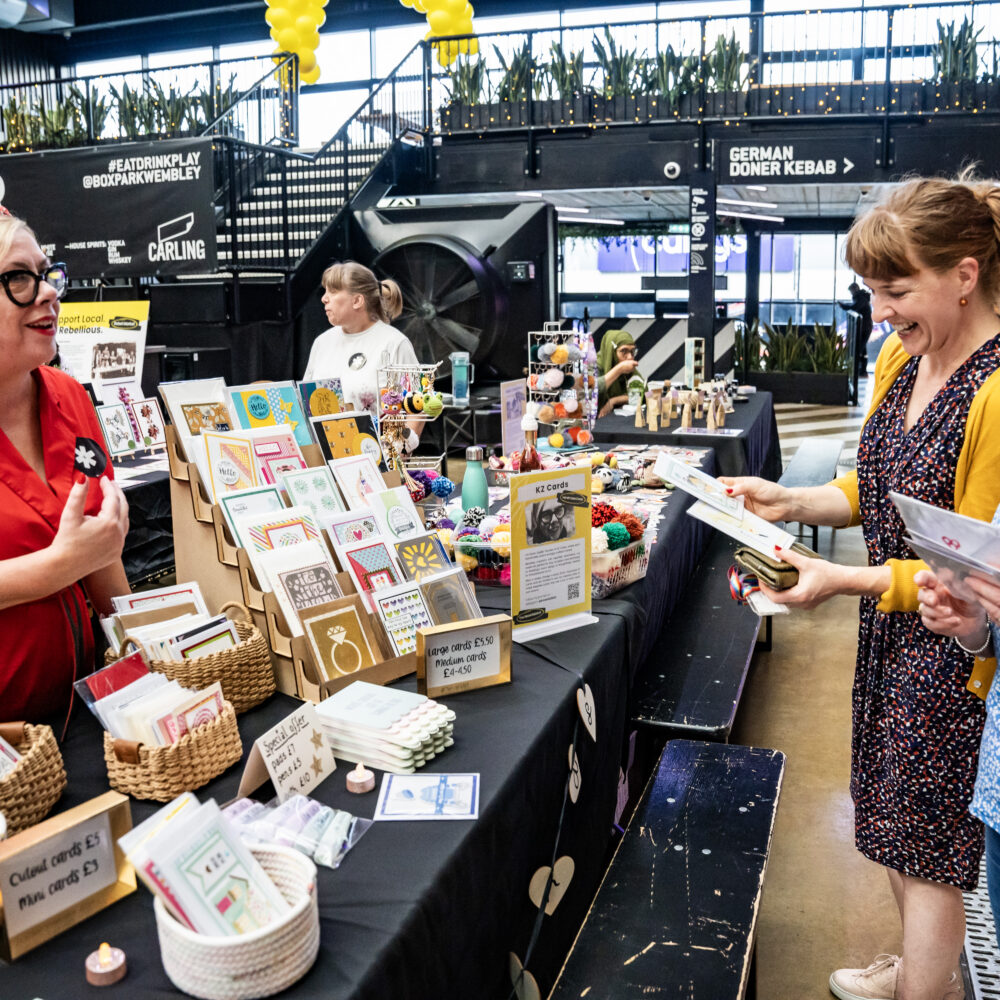


It’s about conversations, not content.
Maybe social media makes you feel tired or a bit queasy. Maybe you love it, and it still isn’t making you any money. Either way, you’re in the right place.
Social media changes fast. The tools and features below were last checked in late 2026, but the principle never changes: talk to people.
The mistake almost everyone makes
They use it to sell. “Buy my stuff!”
Post about a fun day at the beach, and you’ll get loads of likes.
Post about your business and you’ll get nothing.
People don’t go on social media to be sold to.
The hint is in the name: it’s social media, not selling media.
Going viral isn’t the goal
Laura Poole, a Rebel trainer, found this out the hard way. She posted a rant about paying more for a carry-on bag than for her flight.
It got 3.7 million views.
No seriously. It made the press and ended up on national TV.
And she was flying to run a Rebel course!
(Read more about Laura’s viral moment here.)
Guess what it did for her business?
Nothing.
It taught her one thing: keep showing up and share what’s interesting. The real goal looks like this:
Find your target customer.
Engage with them.
Have a conversation.
Tell them what you do, or send an offer.
Follow up.
It’s about conversations, not content.
Step 1: Choose one platform
Stop trying to post on Instagram, LinkedIn, TikTok and Facebook. Big companies can because they have a team. You have you.
Choose one, get good at it, make sales from it, and then add another. If you put all your energy into one platform, you’ll be miles ahead of someone spreading it across four. (It’s fine to grab your business name on the others to keep it safe.)
Not sure which? Ask yourself:
Who is your customer? (It’s the answer to every marketing question.)
Is there one you already use? Easier than learning a new one.
What do you want to create? Videos, photos, or written posts?
Is there one your customer is likely to use?
And pick one you actually like. If you hate LinkedIn, you’ll never post on LinkedIn, so it’s pointless choosing it. Think of your platform as your shop window: a store you can open anywhere in the world.
Top Tip: Brand new to a platform? Search YouTube for “[platform] for beginners”. There are great tutorials, and this guide isn’t one of them.
Which one will you choose?
Step 2: Set up your profile
When someone lands on your profile, they should know three things straight away: who you are, what you do, and why it’s for them.
Name: your name or your business name.
Handle: your @name. If it’s taken, add an underscore
Bio: what you do and who it’s for, in under two lines.
Link: your website.
Add something unique, like “handmade in Yorkshire”, and a few words people might actually search for.
Use a face, not a logo. People connect with people. Everything you do online is about building know, like and trust, so ask: does this make my customer trust me more? A logo is fine if you really can’t, but we’d still go for the face.
Already have a profile? Check the photo, name, bio and link are still right. And don’t agonise over a fresh account versus an old one. Start fresh only if your audience doesn’t match your business.
If you’ve done something worth shouting about, like a TED talk or helping over 4,000 clients, put it in your bio. That isn’t showing off. It’s authority.
Let AI write the first draft
Try this prompt in ChatGPT, Claude or whichever you like:
Prompt: Hi! Can you help me write a short, confident [platform] bio for my business? My name is: … What I offer/sell: … Who it’s for: … The result or value: … Anything unique about me: … Please keep it under 80 words, make it sound friendly and professional, and write it in first-person.
Then make it sound like you. A lot of people use AI now, and you don’t want to sound like everyone else. Take out the em dashes while you’re there. They’re a dead giveaway.
Step 3: Put something on it
Your first post is already written
Remember your Why, What, How? That’s your first post.
As an example, here’s a hypnotherapist’s turned into a post:
No one wakes up wanting hypnotherapy.
They wake up wanting to feel calm. To stop overthinking. To not let anxiety run the day. That’s where I come in. I’m a certified hypnotherapist helping people reduce stress and anxiety through guided sessions.
Ready to feel different? Let’s book a call.
Add a photo. It doesn’t need to be professional. Polished isn’t the goal. Real is. You can also turn it into a carousel, a post people swipe through, using Canva or Instagram’s free Edits app. (Edits’ carousel editor is on iPhone for now, with Android on the way.)
Seven kinds of posts to get you started
Authority: teach something, share what you know.
Social proof: results, testimonials, reviews.
Tell a story: a problem you solved, a struggle, a lesson learned.
Opinion or myth-busting: great for engagement.
Offer: what you sell, and how to buy it.
Connection: “they get me” posts, like a millennial’s Barbie photo.
Personal: relatable, but relevant.
Mix them up. Each post has one job: attract your ideal customer, build trust, or convert them into a paying customer.
Not all three at once.
Anyone can ask AI for an authority post. Nobody else can tell your story. And don’t forget the offer post. If someone landed on your profile right now, would they know how to buy from you?
A simple weekly schedule
Beginner: 1 social proof (once you have some), 1 story, 1 offer.
Level up: add 1 authority post.
Supercharged: social proof, story, authority, connection, personal, opinion, and 2 offers.
There’s no magic number. A daily post nobody wants to read beats nothing, but it won’t beat one interesting post. Don’t worry about the best time to post either. One of Laura’s best-performing posts went up on a Friday night, when she was sure nobody would be looking.
Does your feed look random? Good. Nobody scrolls your whole grid. Stick to a vibe, not a strict brand: roughly the same colours, roughly the same fonts.
Post ideas to get you started
“Why I started my business”
Behind the scenes: the start-up journey
A sneak peek of your first product or service
The problem you solve
Customer or tester feedback, even from your first free sample
Get AI to do the heavy lifting
AI is only as useful as what you tell it.
“Give me five Instagram ideas for my bakery” gets you generic mush. Try this instead:
I run a small bakery in Cardiff specialising in extravagant birthday cakes. My customers are busy parents who want amazing cakes for their children’s birthdays but don’t have time to make them. Give me 10 Instagram ideas that would encourage them to order.
Our favourite tools:
Canva for posts and carousels,
CapCut for video,
Instagram’s free Edits app,
and ChatGPT or Claude for captions and ideas.
Stand out by being you
How do I stand out when AI is everywhere? Be you.
You don’t need a professional camera or a polished video. Raw and real earns more trust than slick. And if you don’t want to show your face, find a creative way around it: your hands, your work, your voice.
In our experience, videos tend to bring in more sales, because they speed up know, like and trust. So record a short video: who you are and what your business is. It can be rubbish.
Top Tip: Share it, and tag @therebelschool.
We might share it for you.
What will your first post say?
Step 4: Reach out to your customer
Now the part most people skip. Posting is only half of it. So, what’s the most powerful thing on any social media platform?
It’s not hashtags. It’s not the algorithm. It’s the search bar. You can search for anyone, and for groups with your customer already in them.
How a tweet about coffee led to a Rebel contract
In the early days, Alan, one of our co-founders, wrote down the people he wanted to work with: housing associations, councils and local authorities. It’s called a Dream 100, a list of 100 companies or people you’d love to work with, and you work through it one by one. (One gardener on our course made his the 100 houses around him, close enough to walk to with a wheelbarrow.)
He found a housing association on Twitter/X. Then he needed the decision maker. LinkedIn’s search bar showed everyone who worked there, and he found the Director of Housing.
What did he tweet her? Not a pitch. He’d spotted in her bio that she “enjoyed a good coffee”, so he talked about coffee.
She wondered who he was and checked his profile. His bio said exactly what Rebel did and who for. They started chatting, then met for a coffee, and later came the contract.
He didn’t pitch.
You know those LinkedIn messages that open with a pitch?
You delete them. So don’t send them.
Borrow an audience that already exists
Facebook groups are one of the best tools we know. Laura wanted to sell places on a retreat in West Wales, so she posted in a wild swimming group she already belonged to. A group where you’re not allowed to sell.
She just asked a question: “I’m running a retreat in the area soon. Any good spots for a swim near here?”
People answered. She thanked them.
And then someone wrote: “Are there any spaces on the retreat?”
She hadn’t pitched. She’d been given permission.
Questions equal engagement. What could you ask your customer?
To find your groups:
Join 10 groups you think your customer is in, and keep the best 5.
Check they’re alive: regular posts and people actually commenting.
Avoid “post and ghost” groups, full of businesses posting and never engaging.
Join where your customer is, not your competitors. A logo designer wants business groups, not designer groups.
Then become a known member. Answer questions when you can. Ask your own now and then.

Putting it together
Laura started a networking event with no social media and no audience, and she needed 30 people in a room. She built a free Canva website, picked a payment option, shared a post, joined local groups, and then used the search bar. She searched “Cardiff women in business” and found a post where creative business owners had commented. She messaged them, honestly:
“Reaching out like this feels a little weird, but I want to make it the best event possible. I’d love to see you there if it feels like your thing. Want me to send you the link?”
Plenty ignored her. Plenty replied. They almost sold out the first event with an AI-generated photo on the website. They swapped in a real one afterwards.
She moved to a spreadsheet keeping track of who she contacted, when, and whether they replied. You don’t need a CRM yet. A spreadsheet will do.
Before you hit send: the rules on messaging people
In the UK, private messages on social media count as “electronic mail” under marketing rules. A friendly question isn’t the same as promoting your business, but the moment a private message advertises what you sell, the rules apply:
– Individuals, including sole traders: you need their consent to send unsolicited marketing
– Limited companies and other organisations: no consent needed for unsolicited messages, but you must be honest about who you are
– Messages people ask for are fine. If someone asks for the link, send the link.
– Public contact details aren’t consent, and if someone says no, stop.
That’s one more reason we start with conversations: comments, questions in groups, and replying to people who ask. Pitch when you’re invited.
Remember this
Likes don’t put food on the table. Conversations that lead to sales do.
Done is better than perfect. Perfect doesn’t exist.
People buy from those they know, like and trust, not from the most polished.
It’s all about the reps. Keep showing up without burning out.
Help other businesses, and they’ll help you.
Have fun with it. It’s not that deep.
You are a person talking to another person. That’s it.
Social media is just the tool. Don’t be weird.
Your Action:
- Choose one social media platform
- Put something on it: a video, a story or a post
- Reach out to 10 people
- Record a short video about who you are and what you do, and tag @therebelschool
Not ready? Do something anyway. Then do it again.